













Talk to Expert

Export Mass Files & Attachments from Salesforce in One Click

Quickly download 10000+ files, attachments, and documents from any object, list view, or record- all in just one click.

Thank you for reading this post, don't forget to subscribe!


files-downloader-fast-export-salesforce-flies

Built for Salesforce Pros Who Need a Secure, Fast, and Flexible Way to Export Files

Files Downloader is a secure, 100% Salesforce-native app that lets you export files, attachments, and documents in bulk- right from your Salesforce. Whether you’re handling audits, migrating data, or backing up records, it makes exporting files & attachments effortless in one single click.

Trusted by Salesforce Teams

Trusted by 1,400+ Salesforce admins and teams to manage file heavy orgs- while ensuring data security and full platform compliance.

High-Speed Fast Exports

Export thousands of files & attachments instantly- from any standard or custom objects- without performance lag or system timeouts.

Export from List Views

Use Files Downloader to mass export files from Salesforce list views without opening each records

0 M
Files Downloaded
0 +
Global Customers
0 +
Countries Covered
0 +
Salesforce AppExchange Marketplace

How Can Files Downloader Help You?

Whether you’re exporting, migrating, or organizing data, Files Downloader makes Salesforce file and attachments exports fast and secure. It works on Sales Cloud, Service Cloud, Communities, and supports Lightning, Classic, Notes, Attachments, along with a CSV file, which helps Salesforce users to see the summary of exported files and attachments.

Fast. Secure. Powerful Salesforce Mass Files Export

Take full control of your Salesforce data and files export, mass download, and manage them with ease.

Advanced Export Features

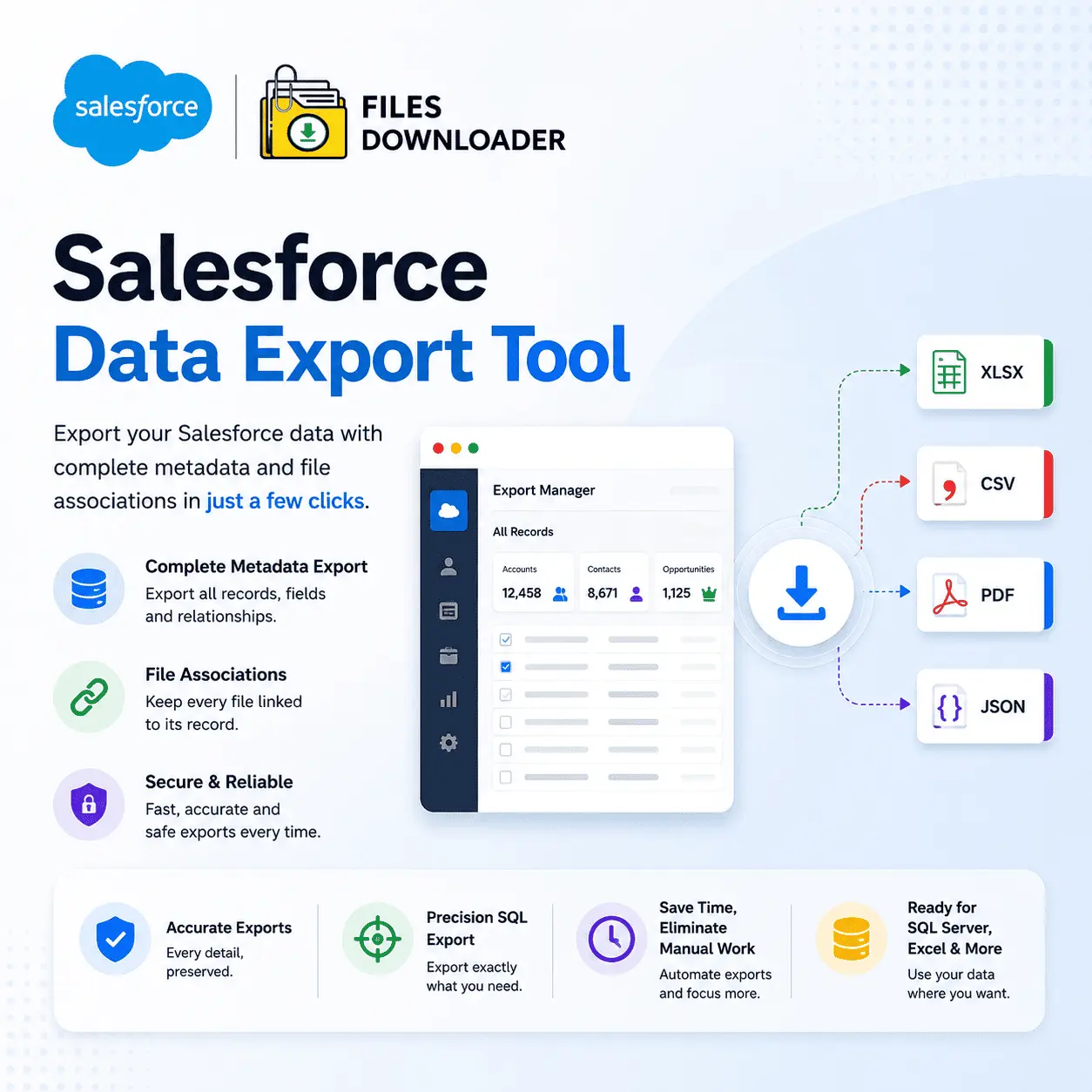
Easily export Salesforce files from list view, and data export into SQL Server, Excel, or local storage.

No Hidden Fees

Simple, transparent pricing- no surprise charges. Pay only for what you use, nothing more.

Real-Time Support

Our responsive team is here when you need us, with live chat and priority email support.

Secure File Downloads

Protect your Salesforce data exports with 100% native Salesforce app

User-Friendly Interface

No coding required- just a few clicks to download your salesforce files.

Export to Excel & SQL

Export Salesforce data to Excel or send it directly to your SQL Server or upload to sharepoint, Google Drive , AWS, Dropbox

Chris Riley
Chris Riley

Setgo Partners

It works as advertised. The trial in Sandbox helped us get a feel for it. It didn't work immediately for us and their team responded quickly (our mistake was that for it to work on a custom object, you have to ensure that the custom object is searchable -- a quick toggle of our checkbox, and we were off). Our specific use case was the ability to download all files attached to a custom object based on a list view.

Stewart Dickison
Stewart Dickison

Keyword Studios

The app does what it says on the tin, and then some! Very versatile tool, and useful to be able to identify records using Views and then specify file and attachment types. We had a small custom requirement which the team were kind enough to implement as a standard feature within 24 hours, very excellent support!

Deb Hecht
Deb Hecht

Temple Beth Shalom – Needham

Coupled with another app that turns parent photo submissions into files, this saved us SO much time. Every year, we would receive family and individual photos for all of our students, and while it was mildly useful to have them in Salesforce, we were still manually downloading each one individually and sorting them into folders. With this tool, I was able to create zip files for each grade's photos to share with educators in less than an hour!

Steven Avon
Steven Avon

SFA Solutions LLC

I used this product to export all attachments related to Opportunities, with the intention of migrating them from one org to another. Migrating Opportunities and their attachments seemed daunting until I found this tool. It efficiently exported all attachments where Parent.Type = 'Opportunity' and provided them in a format that made the migration process straightforward and hassle-free. I couldn't have completed the task without this invaluable tool.

 Laura Hill
Laura Hill

WHRO Public Media

We are in the process of a migration and were really struggling with an efficient way to download and backup all attachments across multiple objects; this app was the answer! It is easy and intuitive to use, allows you to simply search across objects to find all attachments and files, and downloads everything quickly and in a structured manner that keeps the files labeled and organized.

Words That Build Trust

Our clients trust us to simplify Salesforce data exports. Here’s what they’re saying about their experience.

Frequently Asked Questions

Visit the Salesforce AppExchange, search for "Files Downloader," click "Get It Now," select installation options (install for all users or specific profiles), enter your Salesforce credentials, and click "Install" to begin the process.

Files Downloader supports standard and custom Salesforce objects, allowing you to export files from any configured list views.

Yes, with Files Downloader app you can download files and attachments directly from list views.

No, you can download unlimited files as per the plan ( Starter, Pro and Unlimited) you will purchase.

Files Downloader enables you to mass export Salesforce files, including attachments and documents, in one click.

Yes, Files Downloader uses secure protocols like HTTPS and SFTP to protect your Salesforce data, ensuring compliance with international standards like GDPR, making it a trusted choice worldwide. The app is 100% built on the Salesforce platform and has passed the Security review, compliance check from Salesforce.

Absolutely, we provide 5% discount to NPOs.

We provide 24X7 Support. You can reach out at- [email protected]

Latest Blog & Articles

Stay ahead with the latest insights on Salesforce. Explore expert tips, trends, and best practices.